TechnologyFreePrintable

Professional Agenda Basics

A free technology worksheet ready for your classroom. Open in Kuraplan to grab the print-ready PDF, customize it for your students, or generate a fresh version in seconds.
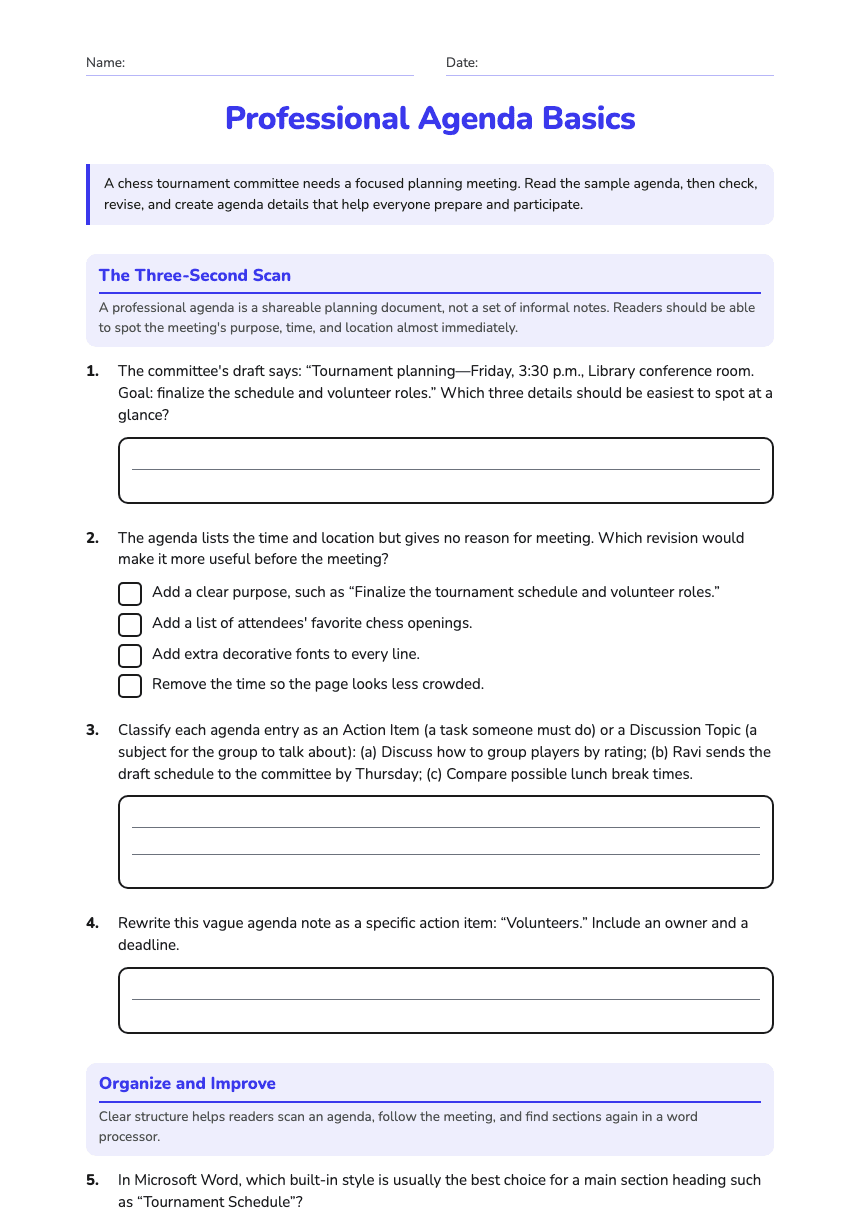
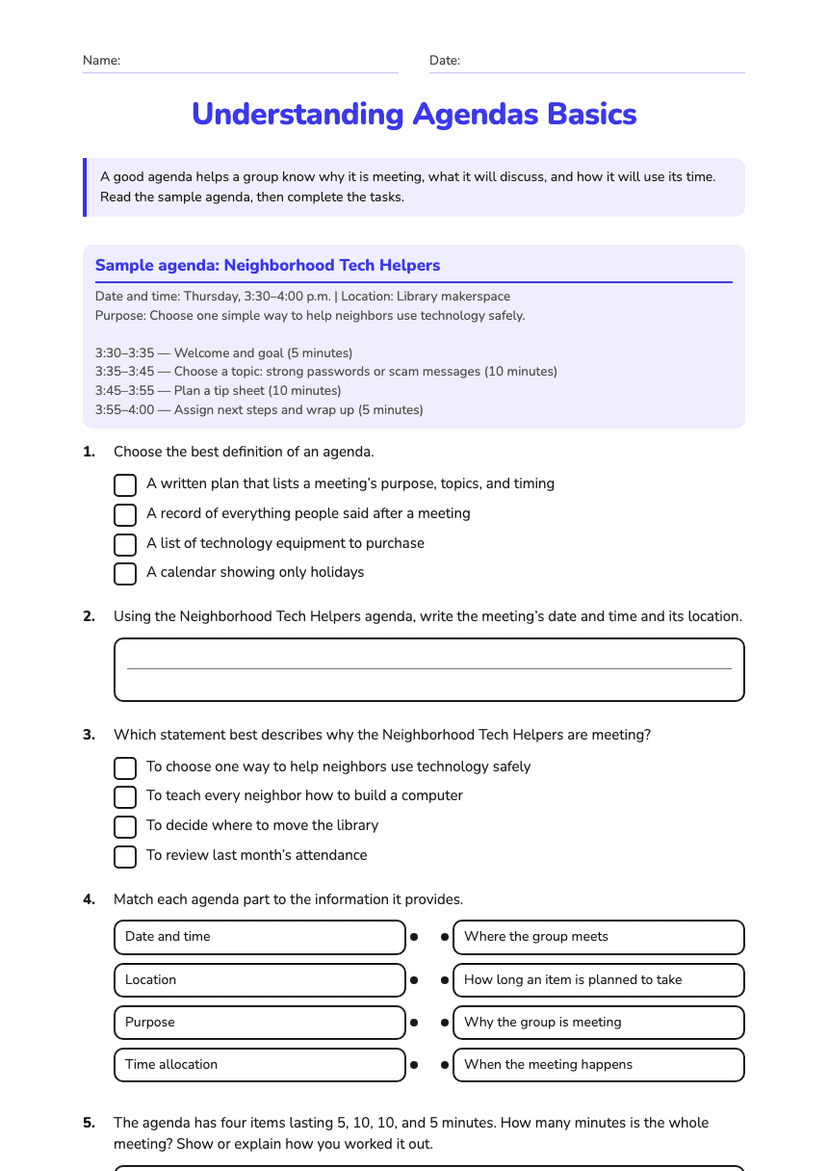
Professional Agenda Basics worksheet preview
Name:Date:

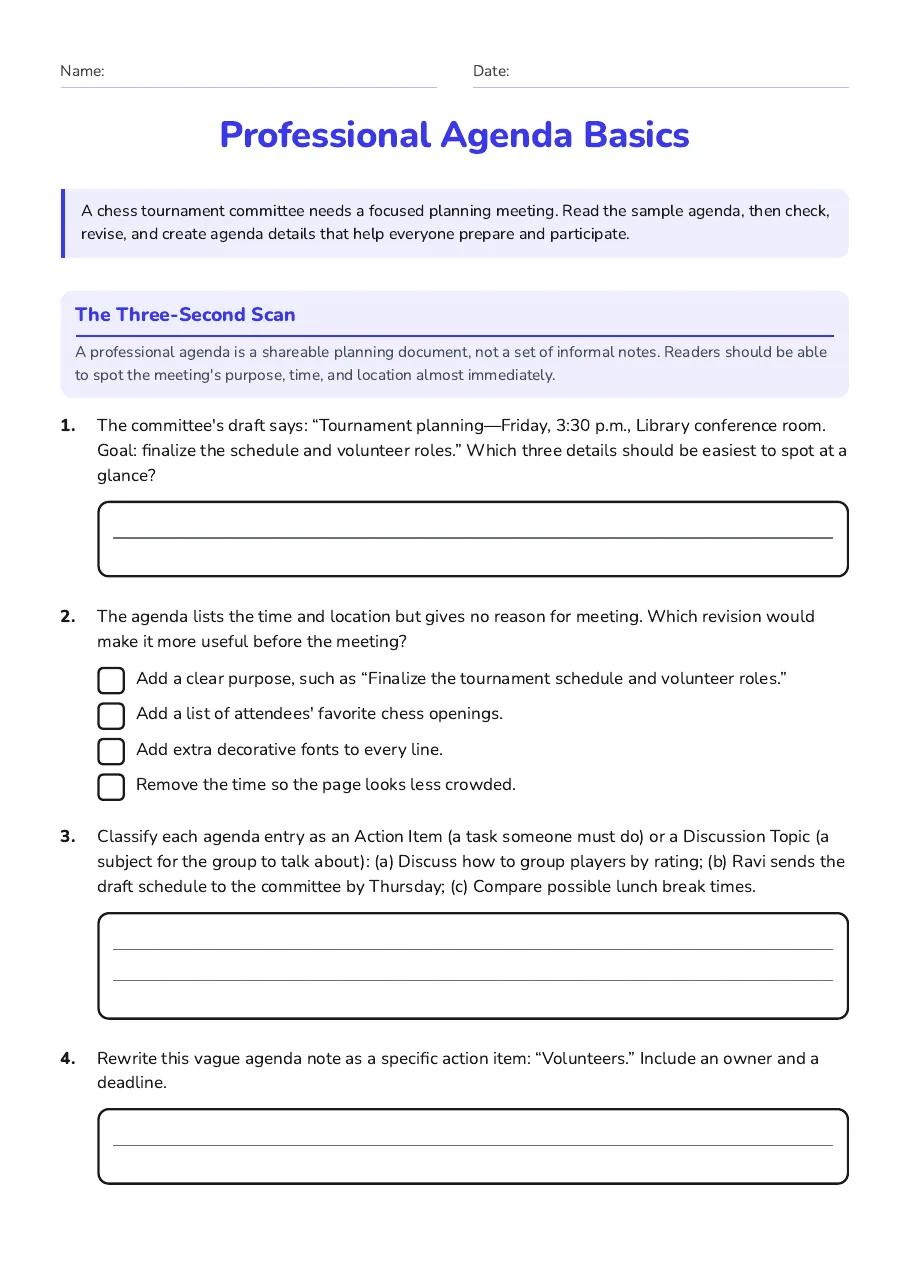
Professional Agenda Basics

A chess tournament committee needs a focused planning meeting. Read the sample agenda, then check, revise, and create agenda details that help everyone prepare and participate.

The Three-Second Scan

A professional agenda is a shareable planning document, not a set of informal notes. Readers should be able to spot the meeting's purpose, time, and location almost immediately.

1.The committee's draft says: “Tournament planning—Friday, 3:30 p.m., Library conference room. Goal: finalize the schedule and volunteer roles.” Which three details should be easiest to spot at a glance?
2.The agenda lists the time and location but gives no reason for meeting. Which revision would make it more useful before the meeting?
  • Add a clear purpose, such as “Finalize the tournament schedule and volunteer roles.”
  • Add a list of attendees' favorite chess openings.
  • Add extra decorative fonts to every line.
  • Remove the time so the page looks less crowded.
3.Classify each agenda entry as an Action Item (a task someone must do) or a Discussion Topic (a subject for the group to talk about): (a) Discuss how to group players by rating; (b) Ravi sends the draft schedule to the committee by Thursday; (c) Compare possible lunch break times.
4.Rewrite this vague agenda note as a specific action item: “Volunteers.” Include an owner and a deadline.

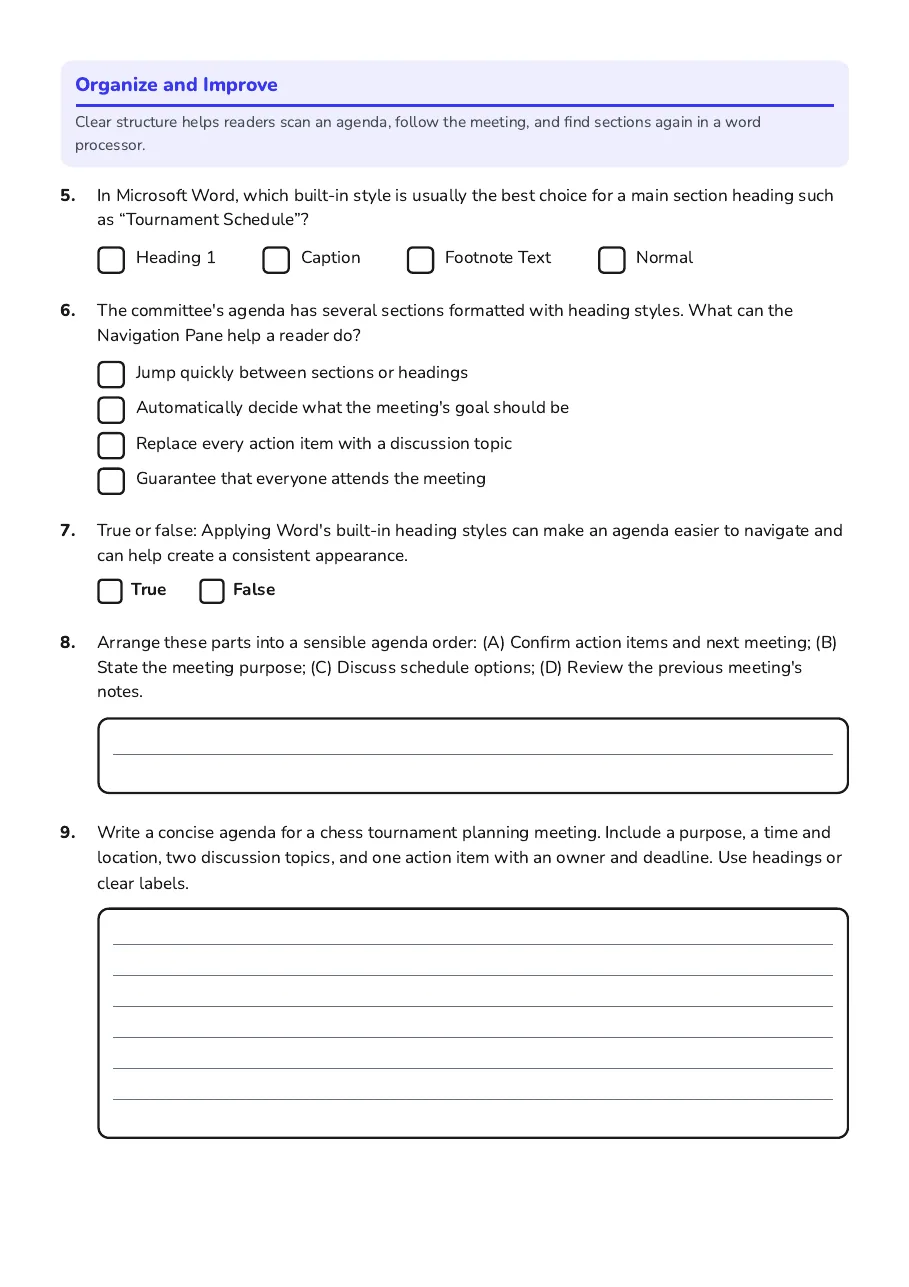
Organize and Improve

Clear structure helps readers scan an agenda, follow the meeting, and find sections again in a word processor.

5.In Microsoft Word, which built-in style is usually the best choice for a main section heading such as “Tournament Schedule”?
  • Heading 1
  • Caption
  • Footnote Text
  • Normal
6.The committee's agenda has several sections formatted with heading styles. What can the Navigation Pane help a reader do?
  • Jump quickly between sections or headings
  • Automatically decide what the meeting's goal should be
  • Replace every action item with a discussion topic
  • Guarantee that everyone attends the meeting
7.True or false: Applying Word's built-in heading styles can make an agenda easier to navigate and can help create a consistent appearance.
TrueFalse
8.Arrange these parts into a sensible agenda order: (A) Confirm action items and next meeting; (B) State the meeting purpose; (C) Discuss schedule options; (D) Review the previous meeting's notes.
9.Write a concise agenda for a chess tournament planning meeting. Include a purpose, a time and location, two discussion topics, and one action item with an owner and deadline. Use headings or clear labels.
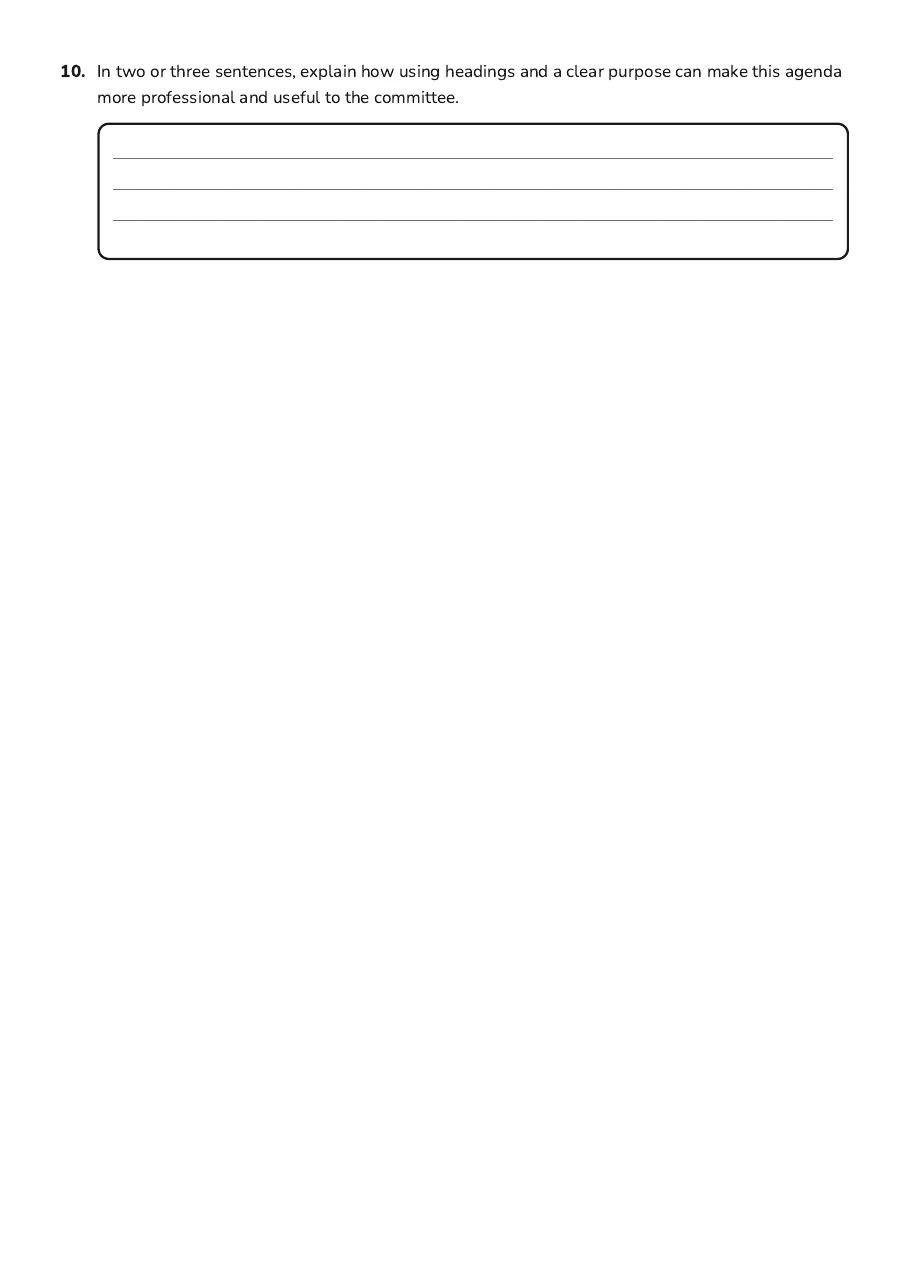
10.In two or three sentences, explain how using headings and a clear purpose can make this agenda more professional and useful to the committee.

3 printable pages

  • Professional agenda basics worksheet with a digital agenda illustration and a realistic recycling campaign meeting agenda.

    Page 1

  • Students analyze agenda purpose, timing, discussion topics, action items, and Microsoft Word organization features.

    Page 2

  • Students design and evaluate a clear agenda for a safer website project.

    Page 3

About This Worksheet

Free in Kuraplan

Sign up free, grab the PDF, and customize it for your class.

Print-Ready

Formatted for standard paper. Clean layout, easy to read.

AI-Generated

Created with Kuraplan's AI, designed for real classroom use.

For Teachers & Parents

Use in classrooms, for homework, tutoring, or homeschool.

Need a custom version of this worksheet?

Kuraplan's AI generates custom worksheets in seconds — differentiated for every learner, aligned to your curriculum.

Generate Custom Worksheets — Free
No credit card Curriculum-aligned Under 60 seconds