PSHEFreePrintable
Online Fraud Protection Checklist
A free pshe worksheet ready for your classroom. Open in Kuraplan to grab the print-ready PDF, customize it for your students, or generate a fresh version in seconds.
Online Fraud Protection Checklist
🔒 Part 1: Website Safety Checklist
1. Which of these indicates a secure website? (Check all that apply)
URL starts with "https://"
Padlock icon in address bar
Pop-up asking for personal details immediately
Professional design with contact information
2. You receive an email claiming to be from your bank asking you to click a link to "verify your account". What should you do first?
Click the link immediately
Check the sender's email address carefully
Reply with your account details
Forward it to friends
3. A website is asking for your password, date of birth, and mother's maiden name to enter a "free competition". This is:
Normal for competitions
A red flag - too much personal information
Safe if the website looks professional
Fine as long as you don't give your address
4. Which password is strongest?
password123
MyDog2024!
Tr3e$Wind&9Moon
12345678
🚨 Part 2: Fraud Scenario Analysis
5. Scenario: You get a text message saying "URGENT: Your PayPal account will be closed in 24 hours. Click here: bit.ly/paypal-verify". List three warning signs that this is likely a scam:
1. ________________________________________________________________________________________________
2. ________________________________________________________________________________________________
3. ________________________________________________________________________________________________
6. You're shopping online and find trainers worth £150 being sold for £25 on a website you've never heard of. What steps should you take before purchasing?
7. Complete this password safety rule: "Never use the same password for _____________ accounts, especially for _____________ and _____________."
8. A pop-up appears saying "Your computer is infected! Call this number immediately: 0800-123-4567". What should you do?
Call the number straight away
Close the pop-up and run a proper antivirus scan
Click on the pop-up to learn more
Restart your computer immediately
✅ Part 3: Create Your Protection Plan
9. Design a quick 5-step checklist you can use before entering personal information on any website:
Step 1: ____________________________________________________________________________________________
Step 2: ____________________________________________________________________________________________
Step 3: ____________________________________________________________________________________________
Step 4: ____________________________________________________________________________________________
Step 5: ____________________________________________________________________________________________
10. What would you tell a friend who says "I use the same password for everything because it's easier to remember"?
About This Worksheet
Free in Kuraplan
Sign up free, grab the PDF, and customize it for your class.
Print-Ready
Formatted for standard paper. Clean layout, easy to read.
AI-Generated
Created with Kuraplan's AI, designed for real classroom use.
For Teachers & Parents
Use in classrooms, for homework, tutoring, or homeschool.
Need a custom version of this worksheet?
Kuraplan's AI generates custom worksheets in seconds — differentiated for every learner, aligned to your curriculum.
Generate Custom Worksheets — Free No credit card Curriculum-aligned Under 60 seconds
More PSHE Worksheets
Year 7–8
Wellbeing and Safety Quiz
Free
Year 9
Online Money Making Risks
Free
Community Safety Awareness Worksheet
Free
Year 9
Digital Boundaries and Safety
Free
Year 7–8
Gang Recruitment Awareness Worksheet
Free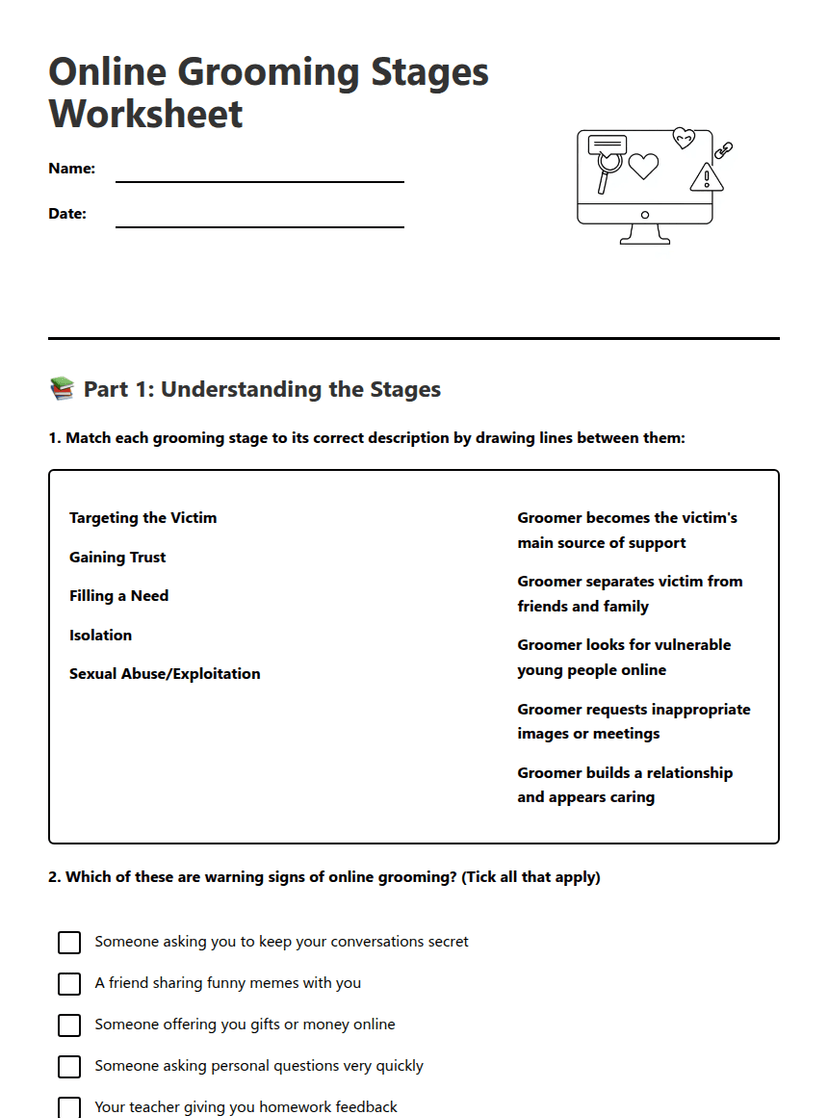
Online Grooming Stages Worksheet
Free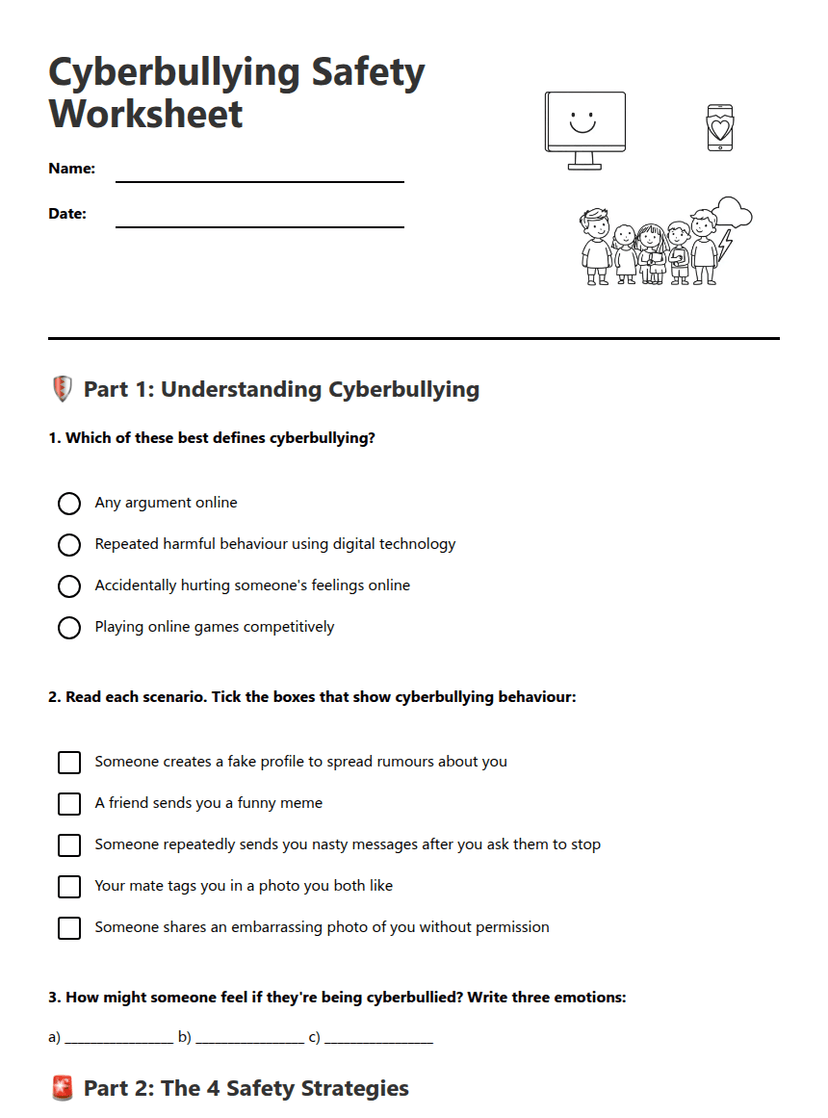
Cyberbullying Safety Worksheet
Free